
Autodesk Revit is a computer software used mainly by architects, engineers, and construction professionals to design and build buildings and structures. It’s part of a system called Building Information Modeling (BIM), which helps everyone involved in a project to work together efficiently and keep track of everything.
Key features and functions of Autodesk Revit:
1. Design Buildings in 3D
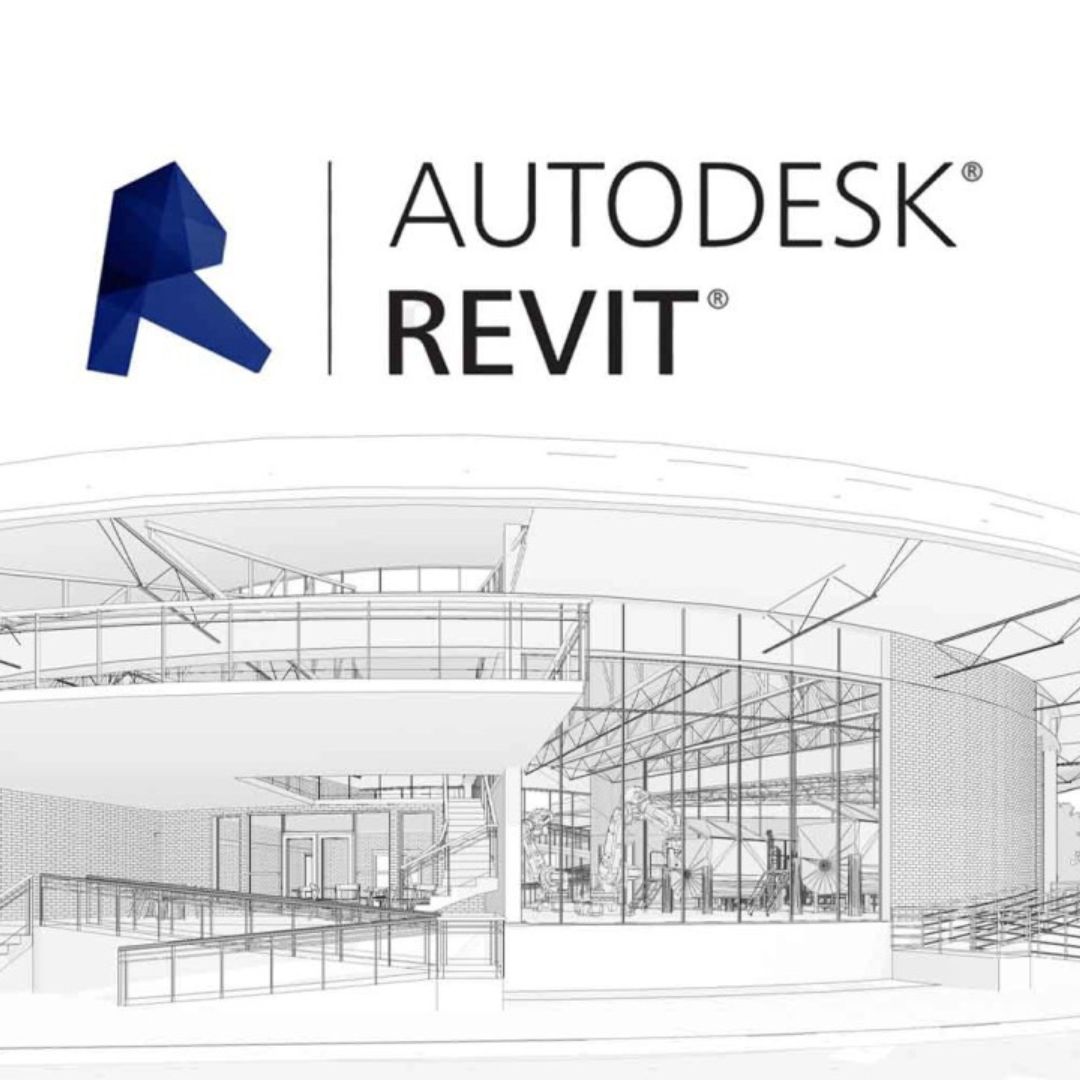
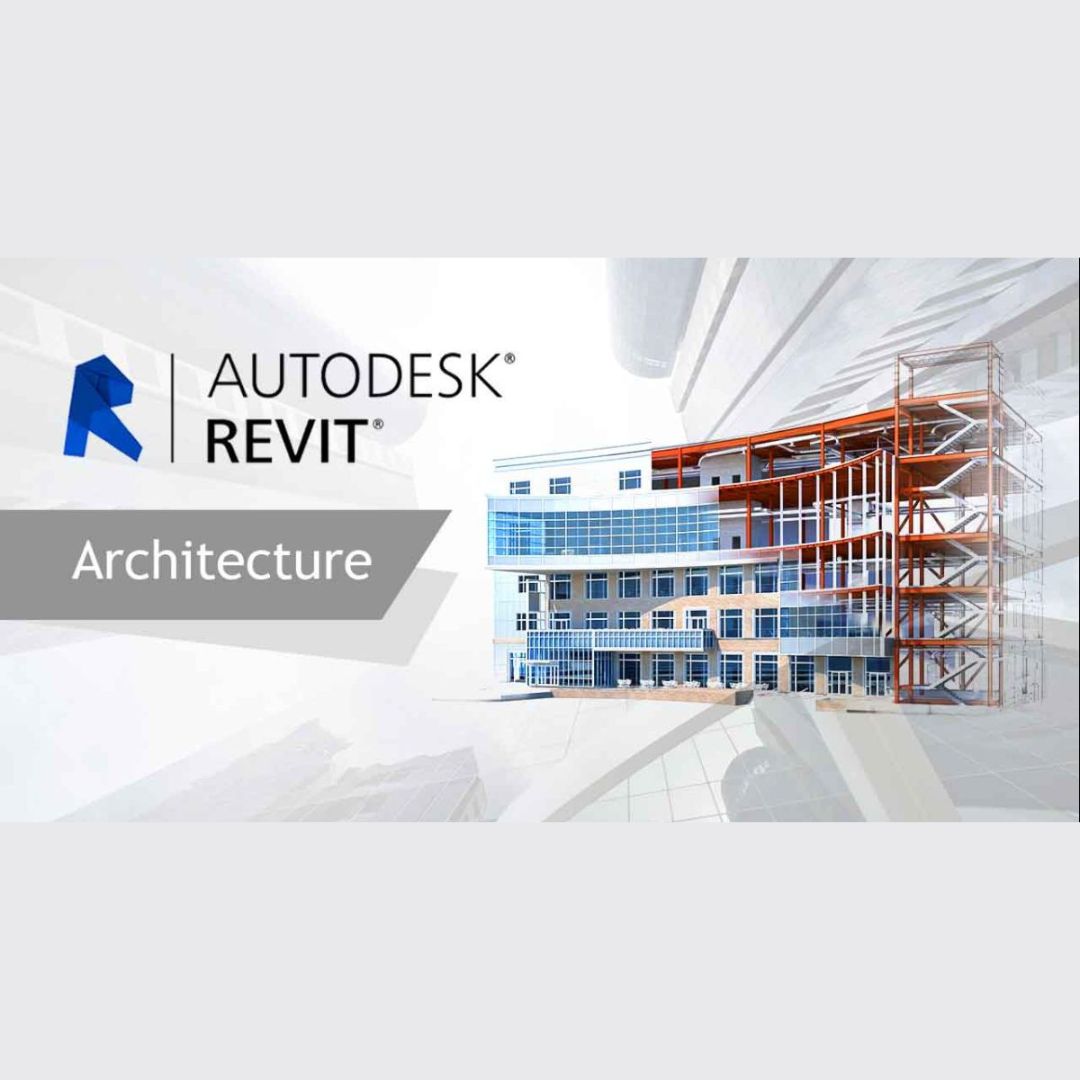
- Revit lets you create 3D models of buildings, showing not just how they look, but also how they will be built. You can see walls, doors, windows, and roofs in 3D.
2. All-in-One Model
- Everything in the building design is linked together in one model. For example, if you move a wall, all doors, windows, and connected parts automatically adjust to that change.
3. Collaboration
- Multiple people can work on the same project at the same time. Architects, engineers, and construction teams can all make changes and see updates instantly.
4. Create Drawings and Plans
- Revit automatically generates things like floor plans, elevations, and sections (views of the building from the side). If you change something in the 3D model, these drawings are updated too.
5. Construction Planning
- Revit helps you plan how the building will be built, and you can simulate different stages of construction. This helps avoid problems during the actual building process.
6. Get Accurate Info
- Because everything is connected, you can easily get accurate measurements, quantities, and other details about materials needed for the project.
7. Analysis and Testing
- Revit can test things like how energy-efficient a building is or how the structure will handle weight. This helps improve designs early in the process.
In short, Revit is a tool that helps people create detailed building designs and manage projects more easily and accurately by using smart, connected information.
System Requirements for Autodesk Revit
1. Operating System
- Windows 10 (64-bit) or Windows 11 (64-bit)
This means your computer should have one of these versions of Windows.
2. Processor (CPU)
- A processor (the “brain” of your computer) that works at 2.5 GHz or faster.
- Recommended: A 3.0 GHz or faster processor will give you better performance.
3. Memory (RAM)
- At least 8 GB of RAM (the memory that helps your computer run many tasks at once).
- Recommended: 16 GB or more will make the program run more smoothly, especially for bigger projects.
4. Graphics Card (Video Card)
- A graphics card that supports DirectX 11 and has at least 4 GB of video memory (VRAM).
- Recommended: A card with 6 GB or more VRAM will give you better visuals and performance, especially for 3D models.
5. Disk Space
- 30 GB of free space on your hard drive to install the program and store files.
- Using a Solid State Drive (SSD) will make Revit run faster.
6. Display (Screen)
- A screen that shows at least 1280 x 1024 resolution.
- Recommended: A screen with 1920 x 1080 resolution or higher for clearer details.
7. Additional Requirements
- .NET Framework: Make sure you have .NET Framework 4.8 or later.
- Internet Connection: You will need the internet to install the software, activate it, and get updates.
In short, make sure your computer has a good processor, enough memory (RAM), a strong graphics card, and enough disk space to run Revit smoothly.
Reviews
There are no reviews yet.