
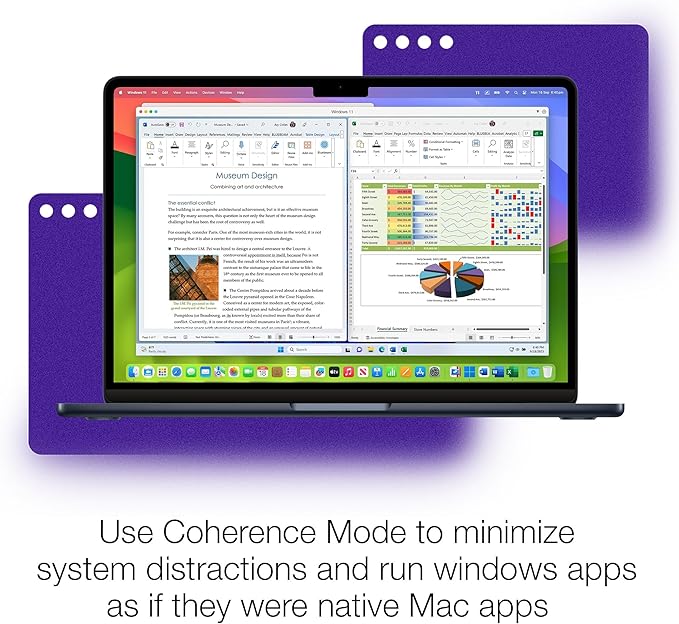
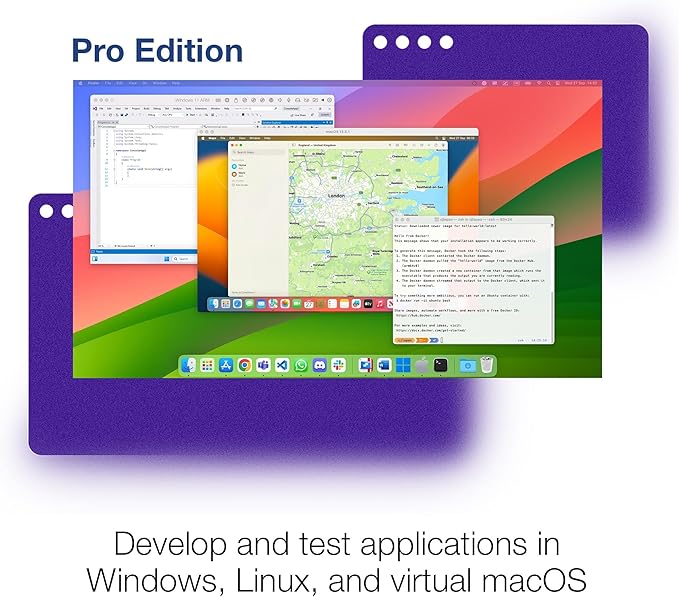
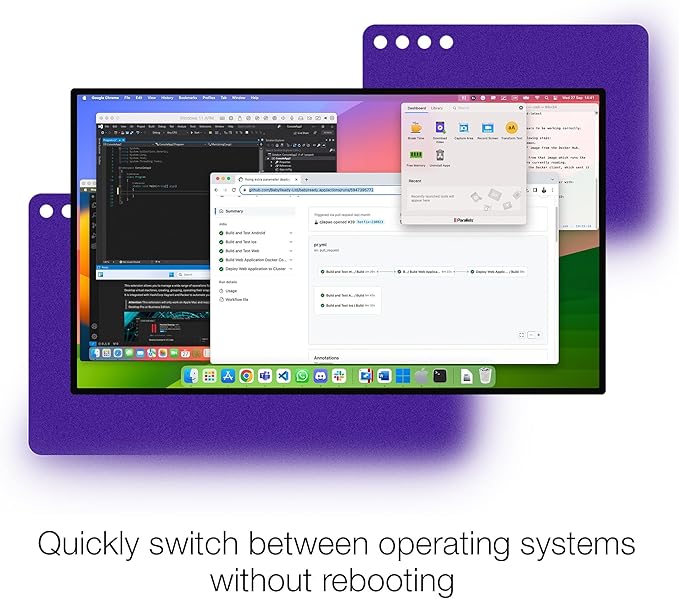
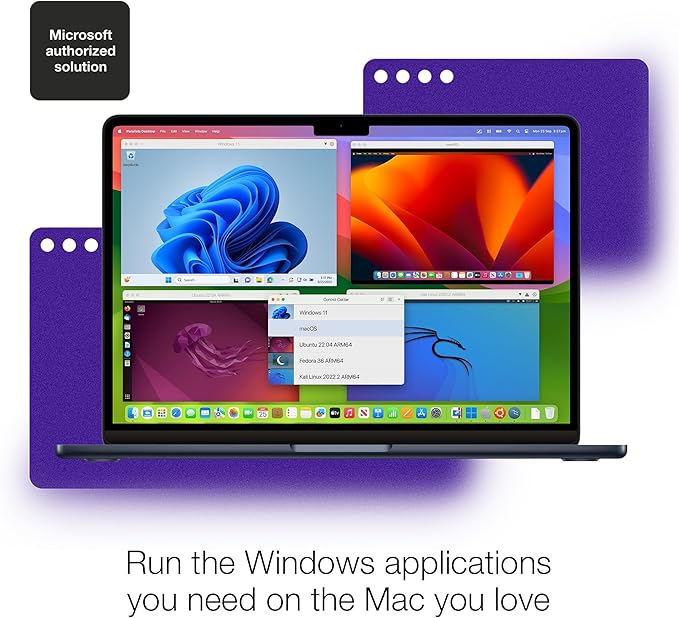
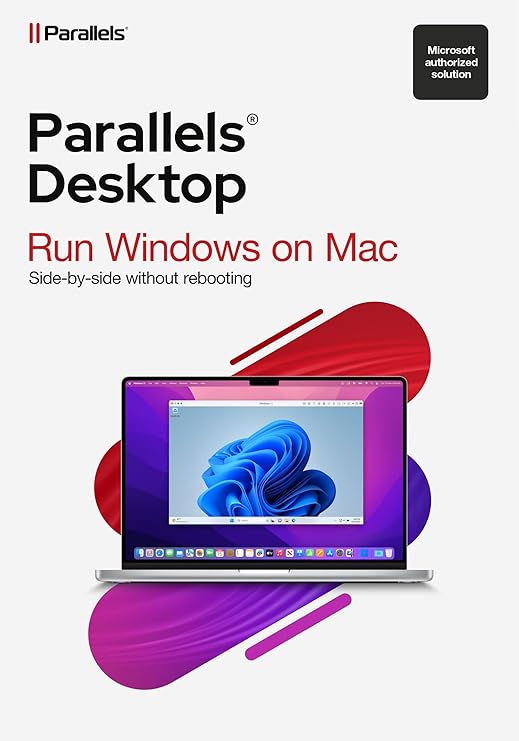

Parallels Desktop 20 Standard is a software that helps you use Windows and other operating systems on your Mac computer. It’s like having two computers in one. This can be really useful if you need to use software that only works on Windows but you have a Mac. With Parallels Desktop, you can switch between macOS and Windows easily without restarting your computer.
Key Features of Parallels Desktop 20 Standard
- Easy Installation: Simplified setup process for installing Windows or other operating systems on your Mac.
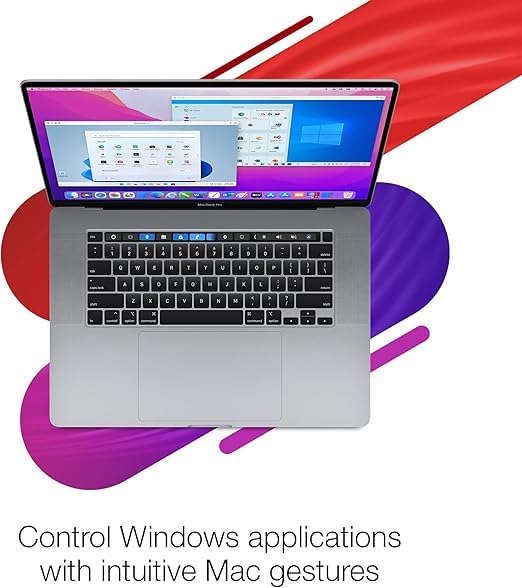
- Seamless Integration: Run Windows applications alongside macOS applications without needing to reboot your computer.
- Performance Optimization: Designed for fast and efficient performance, even with resource-intensive applications.
- Wide Compatibility: Supports a variety of operating systems, including older versions of Windows and Linux distributions.
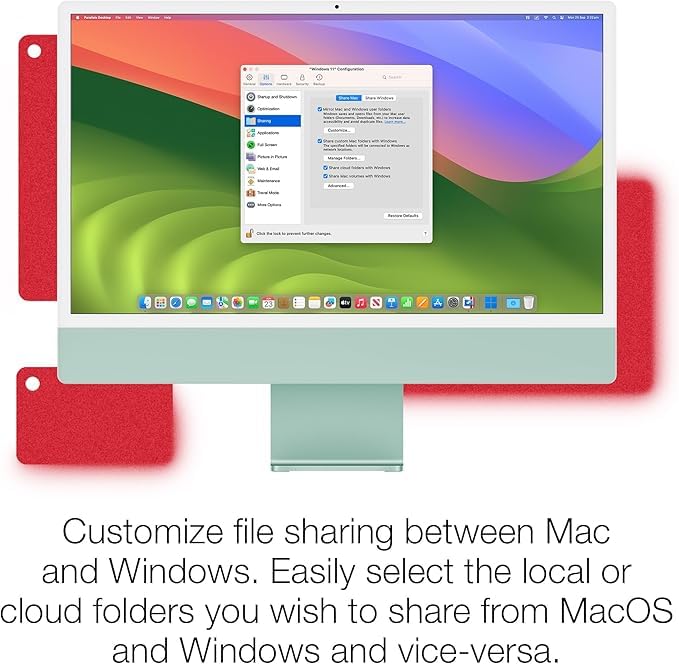
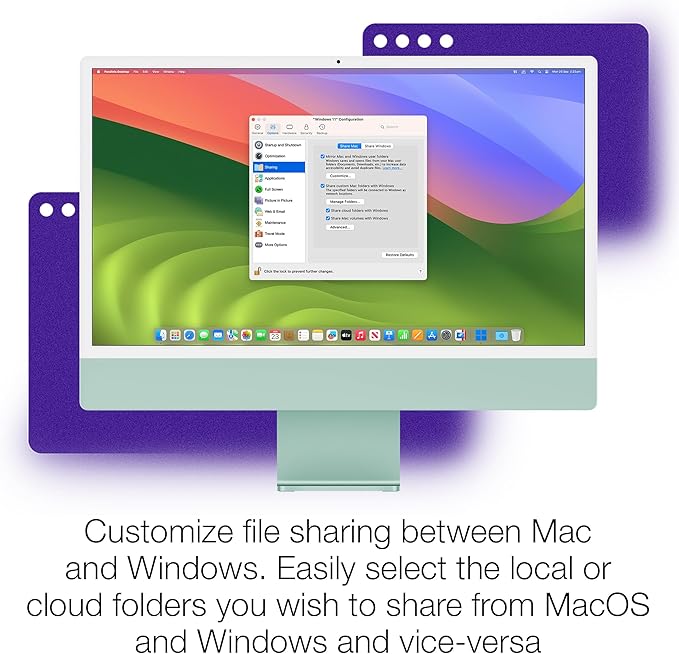
- Convenience Features: Drag-and-drop files between macOS and Windows, and use shared folders for easy file access.
- User-Friendly Interface: Intuitive interface for managing virtual machines and switching between different operating systems.
- Snapshot and Backup: Ability to take snapshots of your virtual machines and easily restore them if needed.
- Security: Includes features to protect your Mac and virtual machines from security threats.
These features make Parallels Desktop 20 Standard a versatile tool for users who need to run Windows or other operating systems alongside macOS on their Mac computers, providing a seamless and efficient experience.
System Requirements for Parallels Desktop 20 Standard
For Mac:
- macOS Mojave 10.14 or later (macOS Catalina 10.15 or later recommended)
- At least 4 GB of RAM (8 GB or more recommended for optimal performance)
- 600 MB of disk space on the boot volume (SSD recommended for better performance)
- Intel Core 2 Duo, Core i3, Core i5, Core i7, Core i9, Intel Core M, or Xeon processor
For Virtual Machines:
- A valid Windows or other operating system license (if installing Windows)
- Minimum 2 GB of RAM for each virtual machine (additional RAM recommended for better performance)
- 15 GB of available disk space for each virtual machine
These requirements ensure that your Mac can effectively run Parallels Desktop 20 Standard and any virtual machines you create, providing a smooth and efficient experience for both macOS and Windows applications. It’s important to note that using newer versions of macOS and having sufficient RAM and disk space will enhance the performance of Parallels Desktop.

Reviews
There are no reviews yet.