
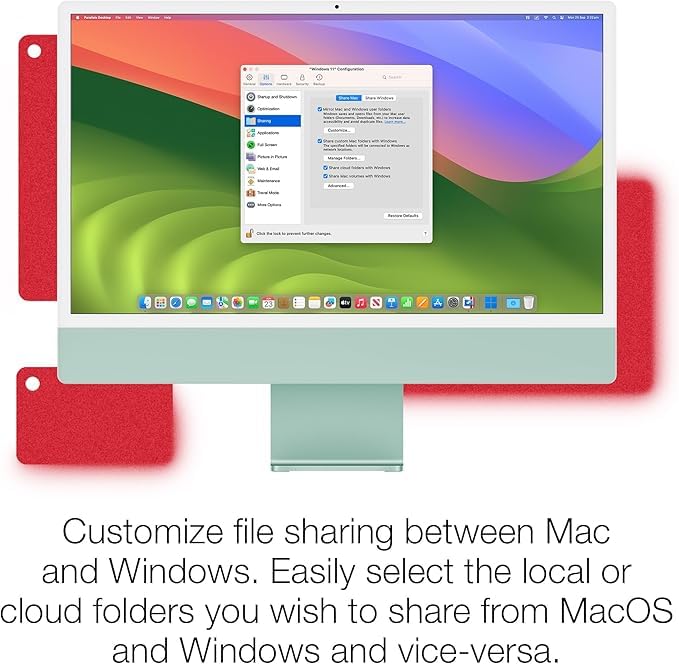
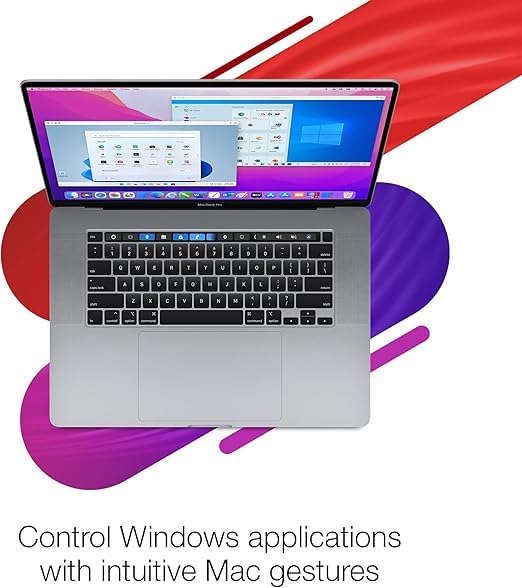
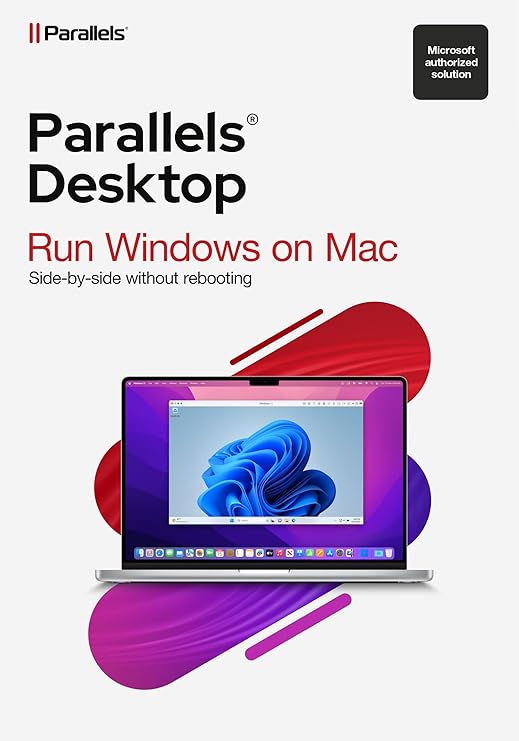
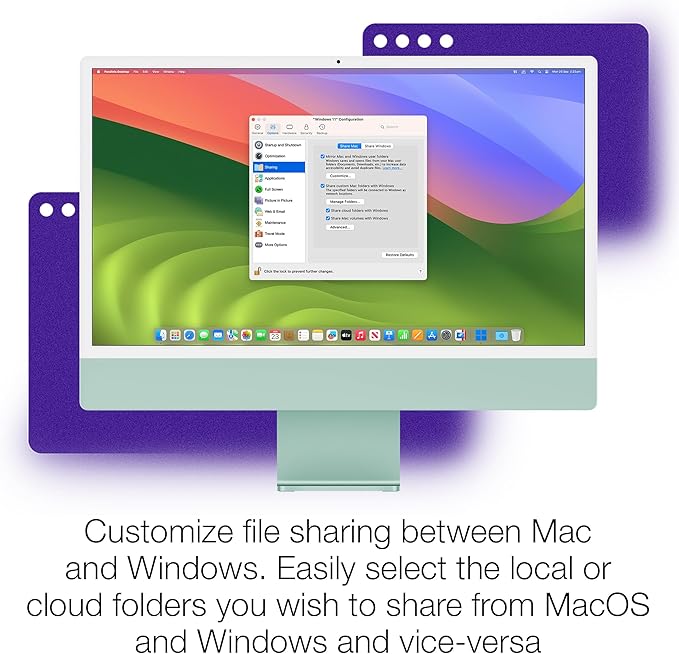
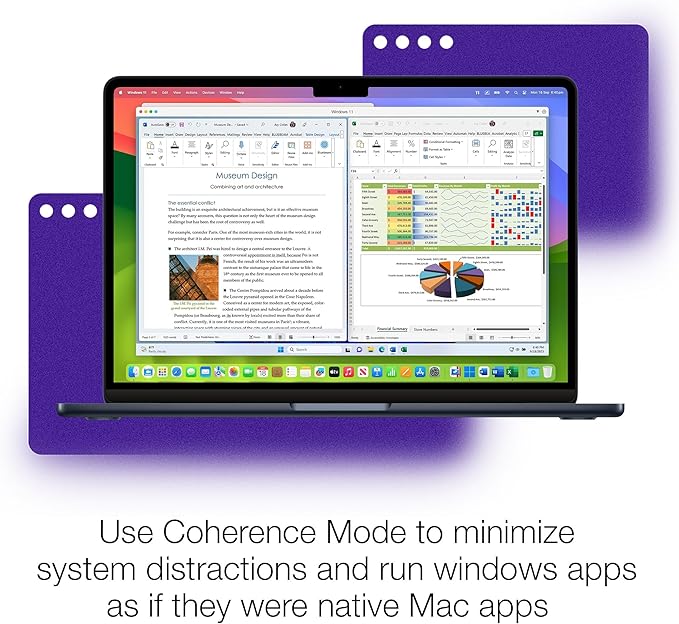
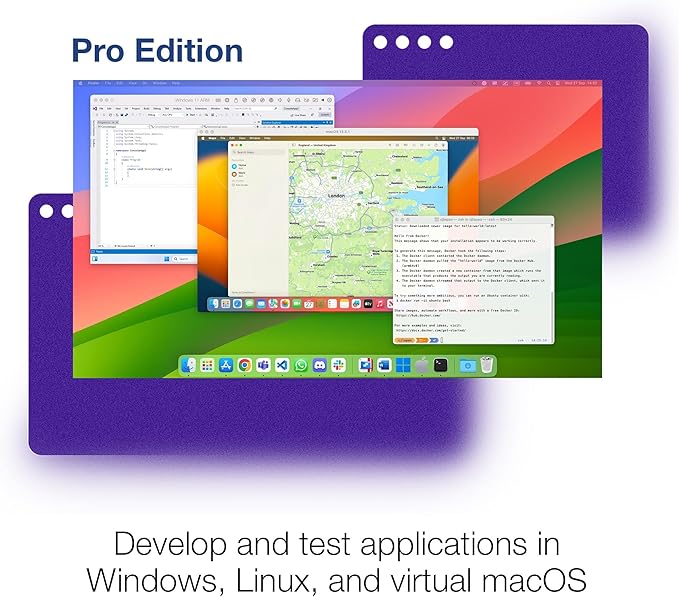
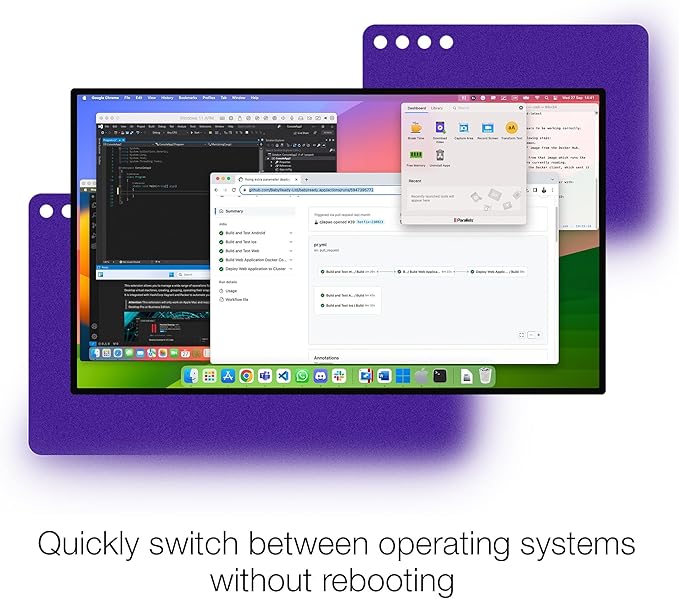
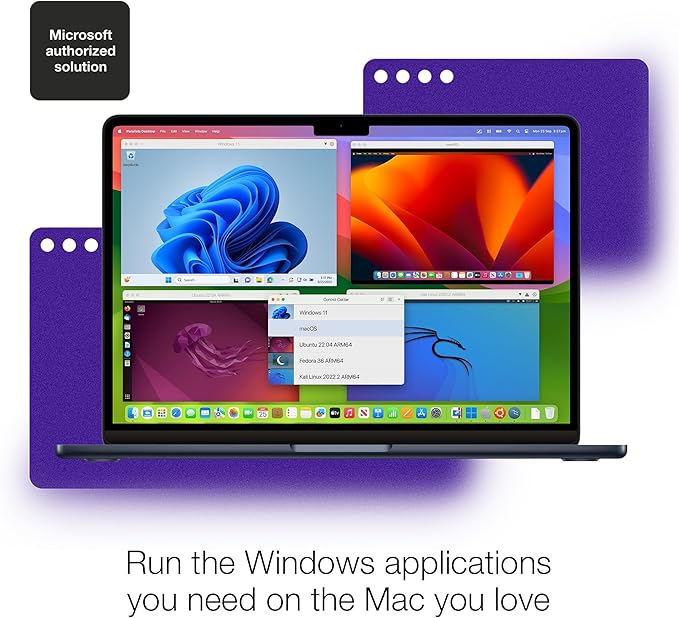


Parallels Desktop 19 Pro is a special software for Mac computers. It lets you run Windows and other operating systems alongside macOS. This is helpful if you need to use software that only works on Windows but you prefer using a Mac.
Key Features of Parallels Desktop 19 Pro
- Enhanced Performance: Optimized for faster performance and responsiveness, even with resource-intensive applications and multiple virtual machines.
- Advanced Networking Tools: Includes tools for managing network configurations and testing environments, making it easier to set up and maintain complex networking setups.
- Developer Tools: Offers developer-friendly features such as support for Docker, Visual Studio, and debuggers, catering to software developers who need specific tools for their work.
- Management Capabilities: Allows for centralized management of virtual machines across a team or organization, including deployment, monitoring, and maintenance tasks.
- Support for High-Performance Devices: Enables seamless integration and support for high-performance devices like external GPUs, Thunderbolt devices, and multi-core processors.
- Security and Privacy: Provides additional security features to safeguard virtual machines and data, ensuring a secure environment for running different operating systems.
- Integration with Cloud Services: Facilitates integration with cloud services like Microsoft Azure and Amazon Web Services (AWS), enabling easy deployment and management of cloud-based virtual machines.
- Customization Options: Offers advanced customization options for virtual machines, including resource allocation, virtual machine configurations, and snapshot management.
These features make Parallels Desktop 19 Pro a powerful tool for professionals, developers, and businesses that require advanced capabilities and robust performance when running Windows or other operating systems on a Mac.
System Requirements for Parallels Desktop 19 Pro
For Mac:
- macOS Catalina 10.15 or later (earlier versions might support older macOS versions)
- At least 4 GB of RAM (8 GB or more recommended)
- 500 MB of disk space on the boot volume (SSD recommended for better performance)
- Intel Core 2 Duo, Core i3, Core i5, Core i7, Core i9, Intel Core M, or Xeon processor
For Virtual Machines:
- A valid Windows or other operating system license (if installing Windows)
- Minimum 2 GB of RAM for each virtual machine (additional RAM recommended for better performance)
- 15 GB of available disk space for each virtual machine
These requirements ensure that your Mac can effectively run Parallels Desktop 19 Pro and any virtual machines you create, providing a smooth and efficient experience for both macOS and Windows applications.

Reviews
There are no reviews yet.