
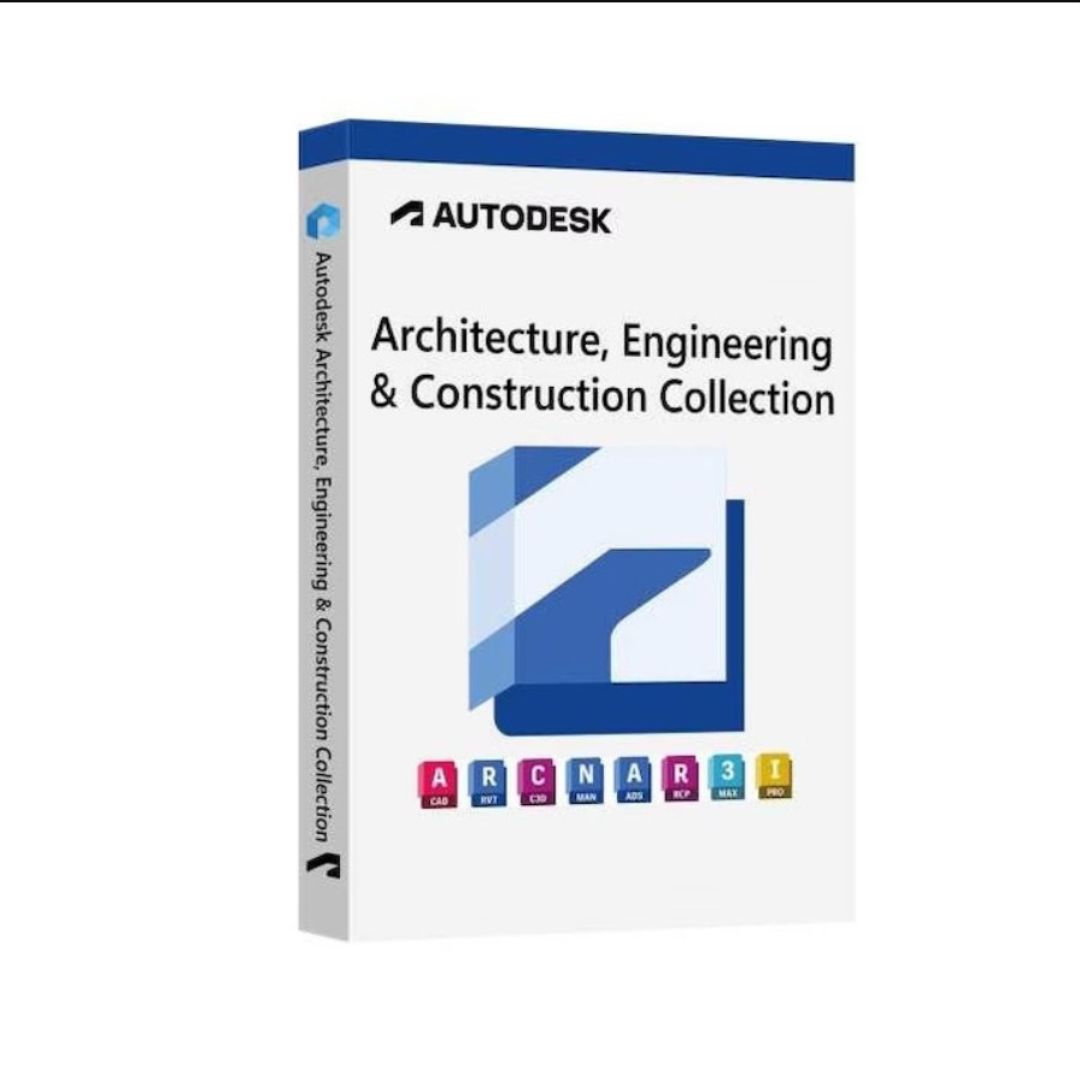
Autodesk AEC stands for Architecture, Engineering, and Construction. It’s a collection of software tools made by Autodesk to help people who design, build, and manage buildings and infrastructure. These tools are used by architects, engineers, and construction professionals to plan and create buildings, roads, bridges, and other projects.
What Does the Autodesk AEC Collection Do?
- Design Buildings and Infrastructure: It helps architects and engineers design the layout of buildings, roads, and other structures.
- Collaborate with Teams: Teams can work together easily, sharing designs and making changes in real-time.
- Create 3D Models: With the AEC tools, you can make 3D models of buildings or sites to see how they will look in the real world.
- Analyze and Test Designs: You can check how strong a building is, how much energy it will use, or if there are any problems with the design before construction starts.
- Manage Construction Projects: Construction workers use these tools to manage projects, stay organized, and make sure everything is built correctly and on time.
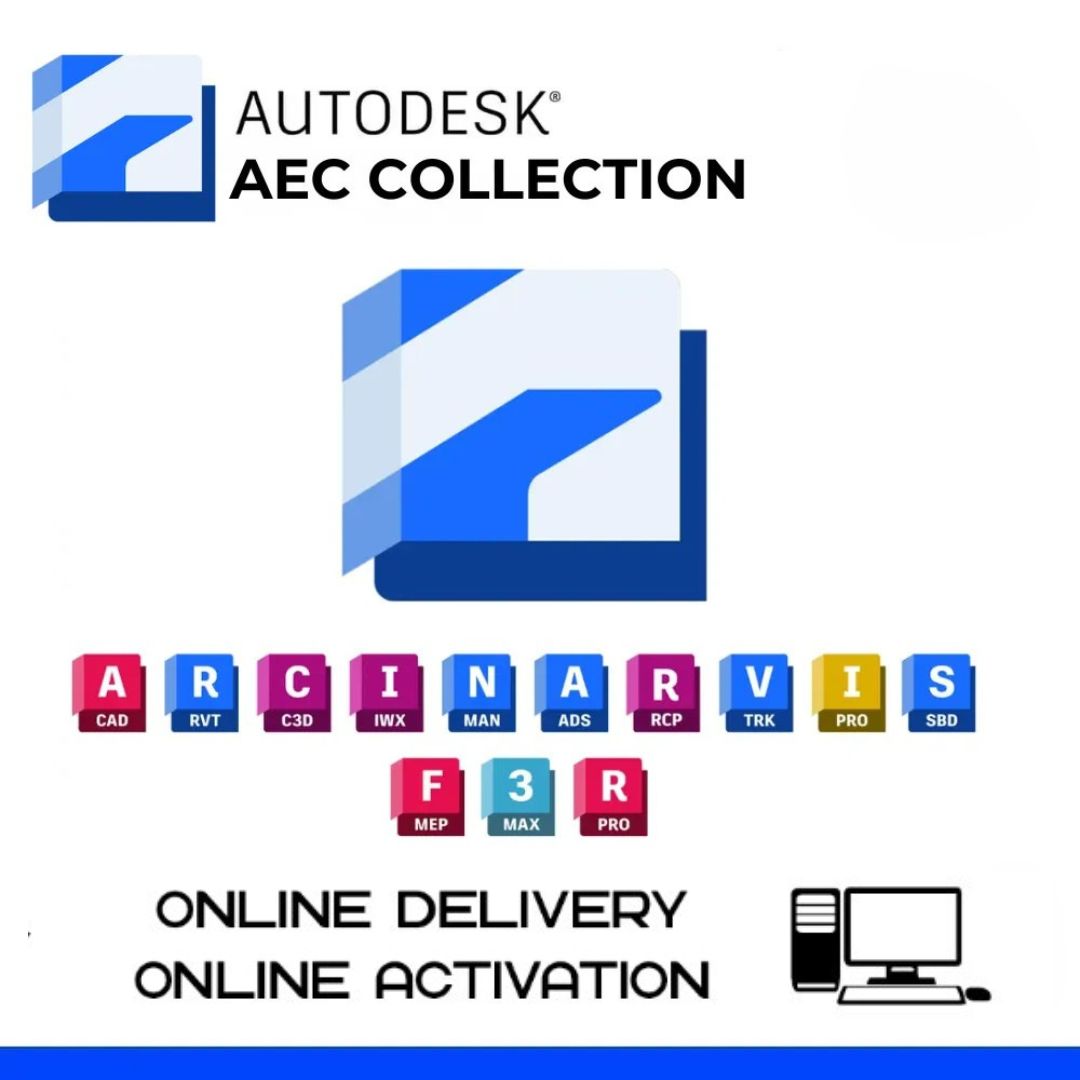
Key Tools in the Autodesk AEC Collection: (20 Apps Included)
The Autodesk AEC Collection is a suite of software tools for architecture, engineering, and construction professionals. It includes a set of 20 apps that help with various stages of the design, construction, and management process.
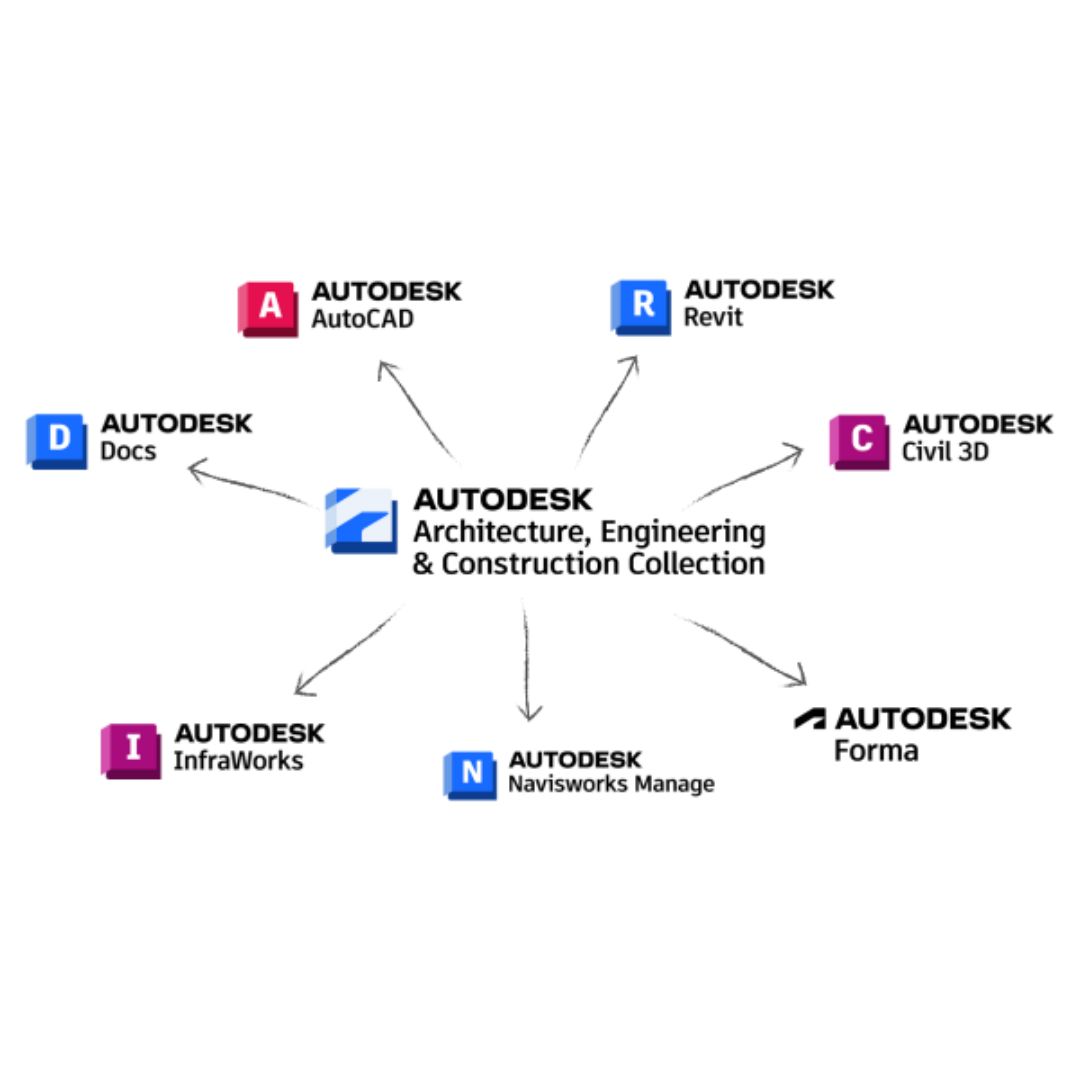
Here’s a list of the 20 apps included in the Autodesk AEC Collection:
- AutoCAD – Industry-standard software for 2D and 3D CAD design.
- Revit – A powerful tool for Building Information Modeling (BIM) used for architectural, structural, and MEP design.
- Civil 3D – Software for civil engineering design and documentation, primarily used for land development, transportation, and environmental projects.
- InfraWorks – A tool for creating 3D models of infrastructure projects, including roads, bridges, and utilities.
- Navisworks – A project review tool for integrating 3D models from different sources and performing clash detection.
- BIM 360 Design – Cloud-based BIM collaboration tool for project teams to work together on models in real-time.
- Revit Live – A tool for transforming Revit models into immersive, interactive 3D visualizations.
- Dynamo for Revit – A visual programming tool for automating repetitive tasks and improving workflows in Revit.
- 3ds Max – A 3D modeling, rendering, and animation software, often used for architectural visualizations.
- FormIt Pro – A sketching and design tool for early-stage architectural design and building energy analysis.
- SketchUp (via integration) – Popular modeling software, often used for conceptual design and collaboration.
- Vault – Data management software that helps with version control and collaboration, particularly in large teams.
- AutoCAD Architecture – A version of AutoCAD tailored specifically for architectural design with additional tools and features.
- AutoCAD MEP – A version of AutoCAD focused on mechanical, electrical, and plumbing design.
- ReCap Pro – A reality capture software for working with laser scans and 3D models, often used in surveying and construction.
- AutoCAD Civil 3D – A specialized version of AutoCAD for civil engineering projects like grading, earthworks, and roads.
- Point Layout – A tool for managing and executing point placement from models to the physical world (used in construction).
- Robot Structural Analysis Professional – A tool for structural engineers to perform advanced analysis on structures.
- Insight – A tool for building performance analysis, helping architects and engineers assess energy efficiency.
- Cloud Rendering – A cloud-based rendering service to create high-quality visualizations without the need for local hardware resources.
Autodesk AEC stands for Architecture, Engineering, and Construction. It’s a collection of software tools made by Autodesk to help people who design, build, and manage buildings and infrastructure. These tools are used by architects, engineers, and construction professionals to plan and create buildings, roads, bridges, and other projects.
Why Use Autodesk AEC?
- Saves Time: With all the tools in one package, it makes designing and building faster and easier.
- Better Collaboration: Teams can work together, even from different places, without losing information.
- Helps Prevent Mistakes: It allows designers and engineers to spot problems early in the project.
In simple terms, Autodesk AEC is a set of tools that makes designing, building, and managing big projects easier and more efficient. Whether you’re designing a building or planning a road, the software helps make sure the project runs smoothly from start to finish.
System Requirements for Autodesk AEC
The system requirements for using the Autodesk AEC Collection (which includes various tools like AutoCAD, Revit, Civil 3D, and others) can vary slightly depending on the specific application within the collection. Below are the general system requirements for the Autodesk AEC Collection as a whole. Keep in mind that for the best performance, using the most up-to-date hardware and software is recommended.
For Windows (64-bit)
Operating System:
- Windows 10 (64-bit) or later
- Windows 11 (64-bit) is recommended for newer versions of Autodesk software.
Processor:
- Minimum: 2.5–2.9 GHz processor (Quad-core or higher recommended)
- Recommended: 3.0 GHz or faster, multi-core processor (Intel i7 or AMD Ryzen 7 or higher)
Memory (RAM):
- Minimum: 8 GB RAM
- Recommended: 16 GB or more for larger projects
Graphics Card:
- Minimum: DirectX 11-compatible graphics card with 1 GB of VRAM
- Recommended: DirectX 12-compatible graphics card with 4 GB or more of VRAM (for smooth performance, especially with 3D models)
- Recommended GPUs: NVIDIA Quadro, AMD Radeon Pro series (for best performance in 3D modeling and rendering)
Display:
- Minimum: 1920 x 1080 resolution (Full HD)
- Recommended: 1920 x 1200 resolution or higher (for more workspace when using multiple apps or handling complex models)
Disk Space:
- Minimum: 7–10 GB of free hard disk space for installation (depending on the specific tool you are installing)
- Recommended: 50 GB or more of free space for larger projects and additional files
- Solid-State Drive (SSD) is highly recommended for faster performance, especially for loading large models and files.
Internet:
- Required for installation, updates, and cloud-based services (e.g., Autodesk BIM 360).
- Minimum: 2 Mbps download speed
- Recommended: 5 Mbps or faster, especially for large file transfers and collaboration tools.
For macOS (for certain Autodesk apps like AutoCAD)
Operating System:
- macOS 10.15 Catalina or later (Note: Not all Autodesk AEC apps are available for macOS, but some, like AutoCAD for Mac, are supported).
Processor:
- Intel-based Macs (for best performance) or Apple M1/M2 chips (with Rosetta 2 compatibility for certain applications).
Memory (RAM):
- Minimum: 8 GB RAM
- Recommended: 16 GB RAM or more
Graphics:
- Minimum: Integrated graphics (Intel HD or Iris)
- Recommended: Dedicated GPU with 2 GB of VRAM for better 3D rendering performance (e.g., AMD Radeon Pro or Apple M1/M2 graphics).
Display:
- Recommended: 1920 x 1080 resolution or higher for comfortable viewing of design models.
Disk Space:
- Minimum: 7–10 GB of free space for installation
- Recommended: 50 GB or more for large projects
Additional Notes:
- Autodesk Cloud Services: Tools like BIM 360 require a stable internet connection to access the cloud-based features.
- Virtualization: Running Autodesk AEC Collection apps in virtual environments is possible, but performance may vary depending on your system configuration.
- Software Compatibility: Ensure that all the software you plan to use within the AEC Collection is compatible with your operating system version and hardware.
For specific details on system requirements for individual Autodesk AEC apps (like Revit, Civil 3D, or Navisworks), you can refer to the Autodesk website, as some apps may have slightly different requirements based on their features and uses.

Reviews
There are no reviews yet.