
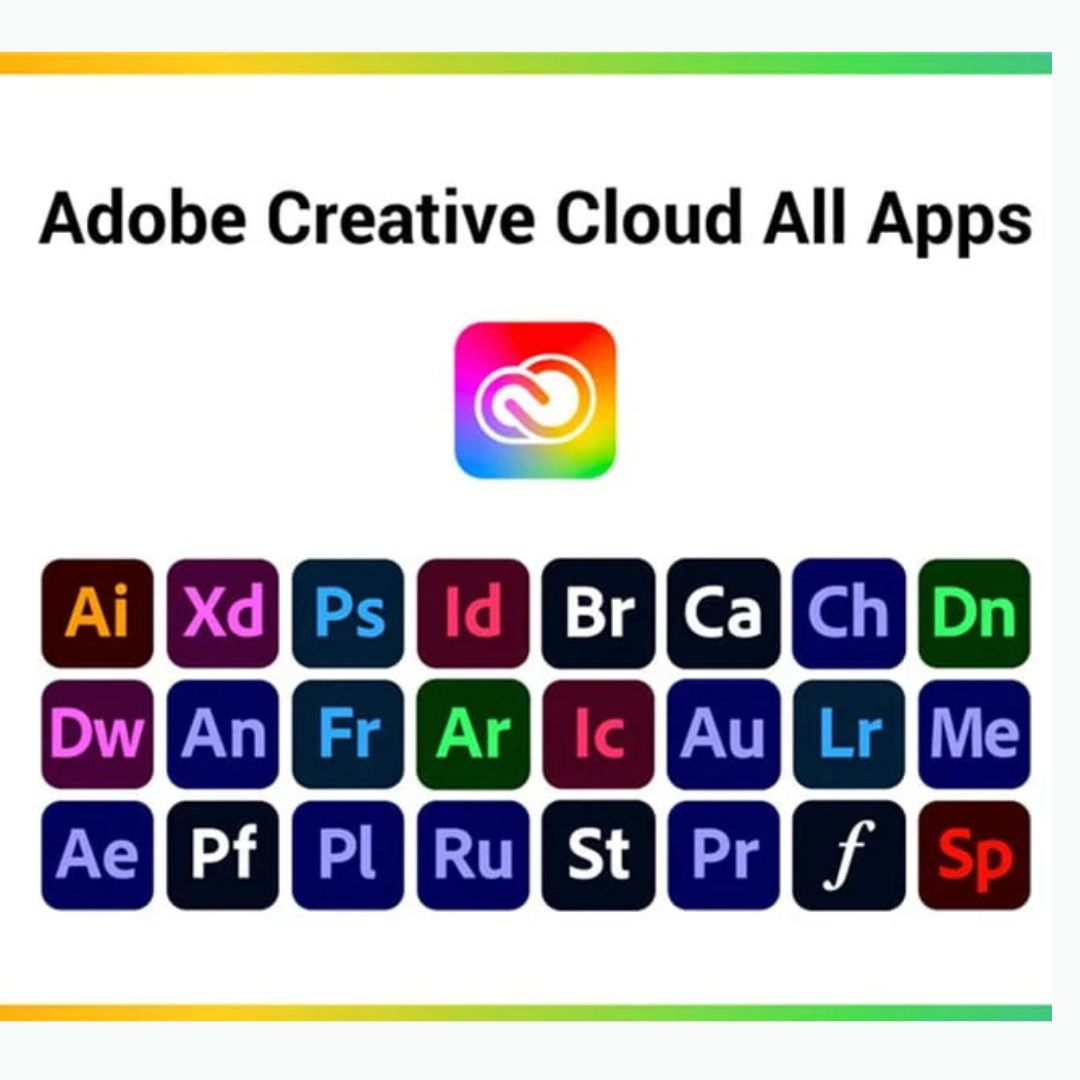
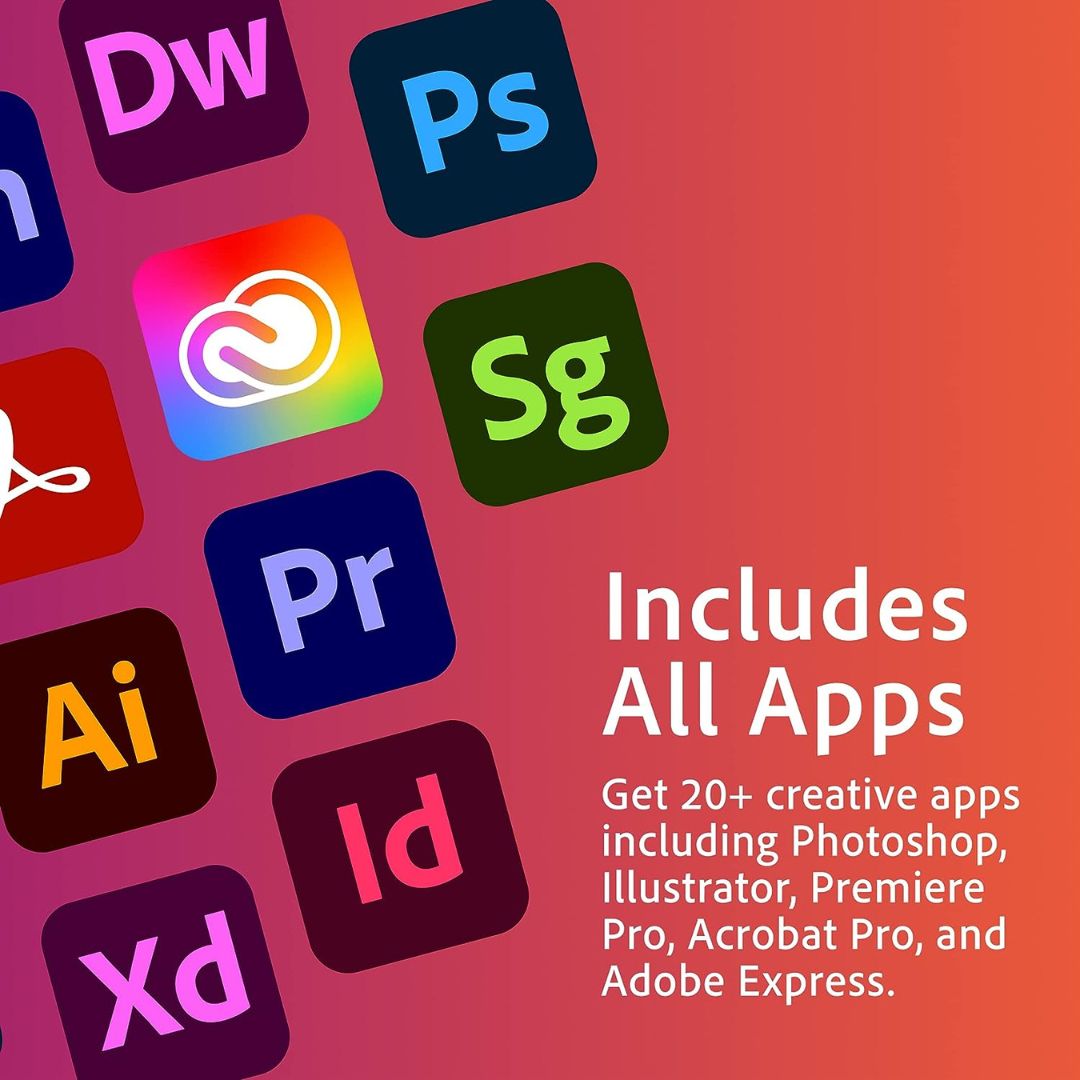

Adobe Creative Cloud (CC) is a subscription-based service that provides access to a comprehensive suite of software tools used by creative professionals around the world. Launched in 2012 by Adobe Systems, Creative Cloud allows users to access, download, and update a variety of applications related to graphic design, video editing, web development, photography, and more. It has since become one of the leading platforms for creative professionals across various industries.
Key Features for Adobe Creative Cloud
- Extensive Software Suite: Adobe Creative Cloud includes over 20 applications for creative professionals. Some of the most popular and widely used apps include:
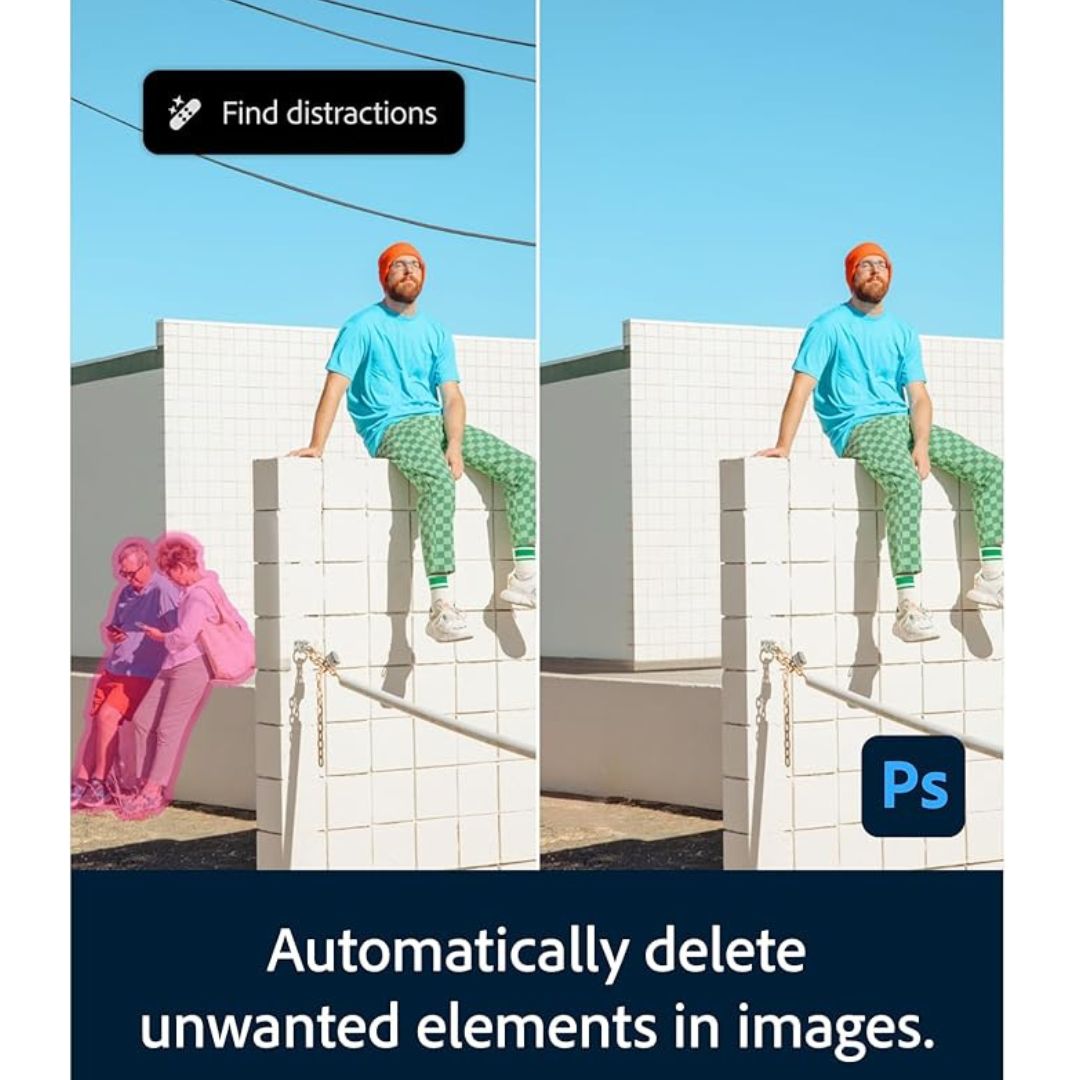
- Photoshop: Image editing and design tool.
- Illustrator: Vector graphics creation and illustration.
- Premiere Pro: Professional video editing software.
- After Effects: Motion graphics and visual effects creation.
- InDesign: Desktop publishing and page layout design.
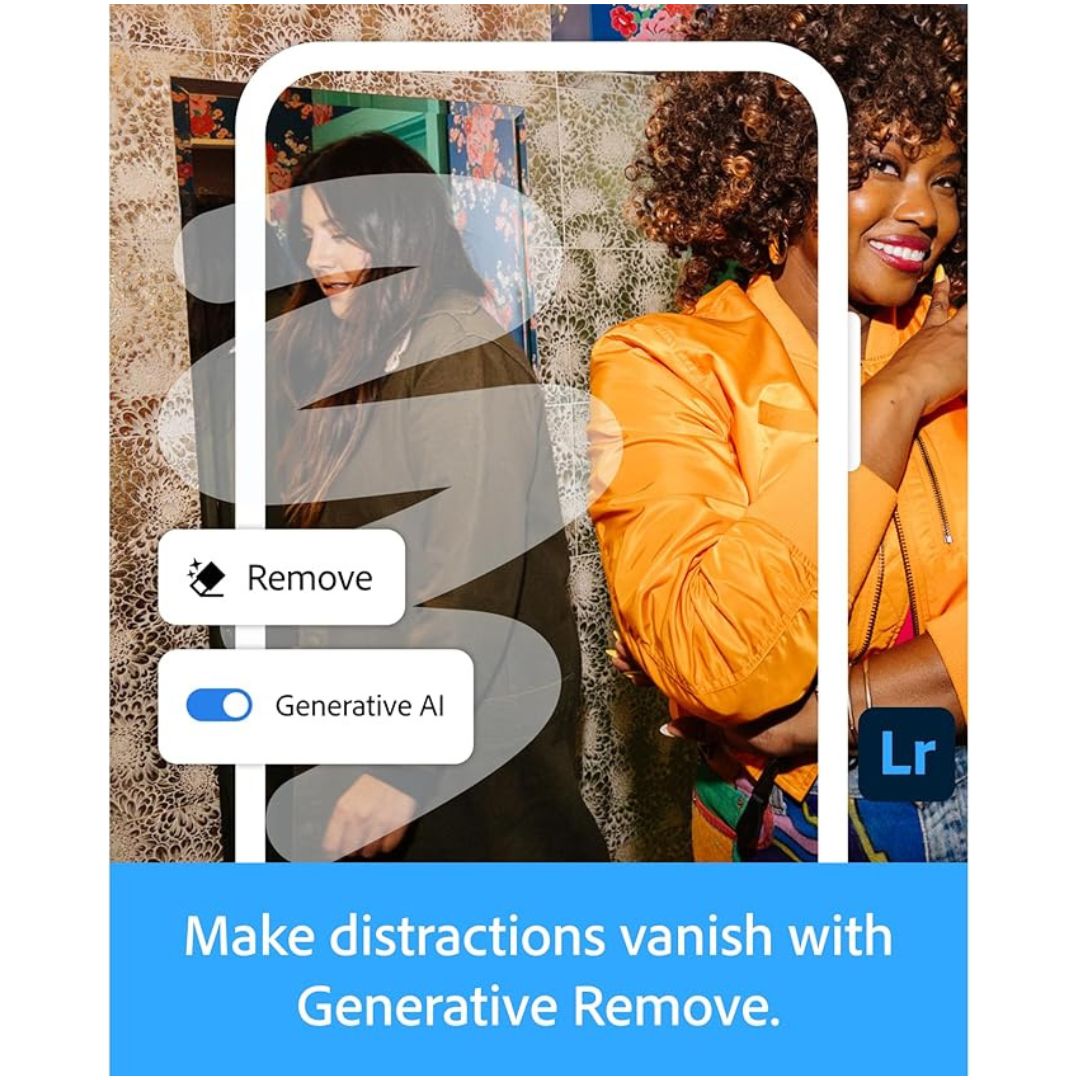
- Lightroom: Photo editing and organization.
- XD: User experience (UX) design and wireframing.
- Adobe Acrobat: PDF management and editing.
- Adobe Animate: Animation design tool.
- Dreamweaver: Web design and development software.
These apps cater to diverse creative fields, from graphic design and digital art to video production and web design.
- Cloud Storage: One of the standout features of Creative Cloud is the integration of cloud storage, which allows users to store, access, and share files securely across multiple devices. Creative Cloud provides users with varying amounts of cloud storage based on their subscription plan.
- Collaboration Tools: Creative Cloud enables collaboration between team members in real-time through features like Creative Cloud Libraries, which allow users to store and share assets (e.g., colors, logos, fonts, and images). It also includes Adobe Cloud Document capabilities for seamless syncing and editing across devices.
- Regular Updates: Unlike traditional software purchases, Creative Cloud users benefit from regular updates and feature releases. Adobe continuously refines the apps, introducing new tools, performance improvements, and creative features based on user feedback and the latest industry trends.
- Cross-Device Integration: Creative Cloud supports a wide range of devices, including desktops, laptops, tablets, and smartphones. This flexibility allows creative professionals to work anywhere, anytime, while maintaining consistent access to their projects.
- Mobile Apps: Adobe also offers mobile versions of several Creative Cloud tools, such as Photoshop Express, Adobe Spark, and Premiere Rush, enabling users to edit, create, and share content on-the-go. These mobile apps often integrate with their desktop counterparts, ensuring continuity between devices.
- Adobe Fonts: Subscribers gain access to thousands of high-quality fonts through Adobe Fonts, allowing for a wide range of typography options across various design projects.
System Requirements for Adobe Creative Cloud (as of 2024)
Operating System
- Windows:
- Windows 10 (64-bit) version 1909 or later
- Windows 11 (64-bit)
- macOS:
- macOS Monterey (version 12) or later
- macOS Ventura (version 13) or later
Processor
- Windows:
- Intel® or AMD processor with 64-bit support
- 2 GHz or faster processor
- macOS:
- Apple M1 or Intel processor (64-bit support)
- 2 GHz or faster processor
RAM (Memory)
- Windows:
- Minimum: 8 GB RAM (16 GB recommended for performance-heavy apps like Premiere Pro, After Effects, etc.)
- macOS:
- Minimum: 8 GB RAM (16 GB recommended)
Hard Drive Space
- Windows:
- Minimum: 4 GB of available hard-disk space (more may be required for specific apps)
- Solid-state drive (SSD) recommended for optimal performance
- macOS:
- Minimum: 4 GB of available hard-disk space
- SSD preferred for faster performance
Graphics Card
- Windows:
- Graphics card with DirectX 12 support (for GPU acceleration)
- VRAM: 2 GB of VRAM (4 GB or more recommended for video editing or 3D applications)
- macOS:
- Metal-capable GPU (for hardware acceleration)
- VRAM: 2 GB of VRAM (4 GB recommended for performance-heavy apps)
Display
- Windows:
- Minimum display resolution of 1280 x 800 (1920 x 1080 or higher recommended for optimal experience)
- macOS:
- Minimum display resolution of 1280 x 800 (1920 x 1080 or higher recommended)
Internet Connection
- Required for:
- Installation and activation of Adobe Creative Cloud apps.
- Cloud-based features like file storage, syncing, and collaboration.
- Updates to software.
Other Requirements
- Adobe Account: An active Adobe account is required to activate and manage your Creative Cloud subscription.
- Additional Features: Certain apps or features (e.g., GPU acceleration, specific tools in Premiere Pro or After Effects) may require additional hardware or software configurations. For example:
- Premiere Pro: CUDA-enabled GPU (NVIDIA) or Metal (for macOS).
- After Effects: A multi-core processor for rendering.
Reviews
There are no reviews yet.